












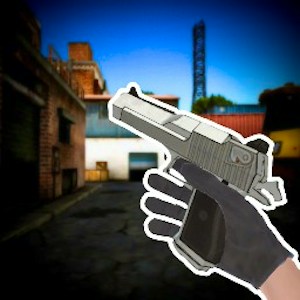
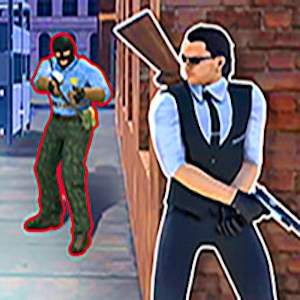
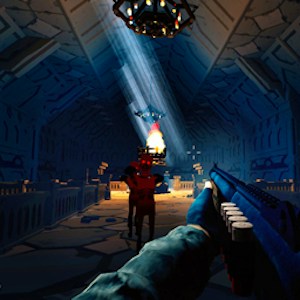




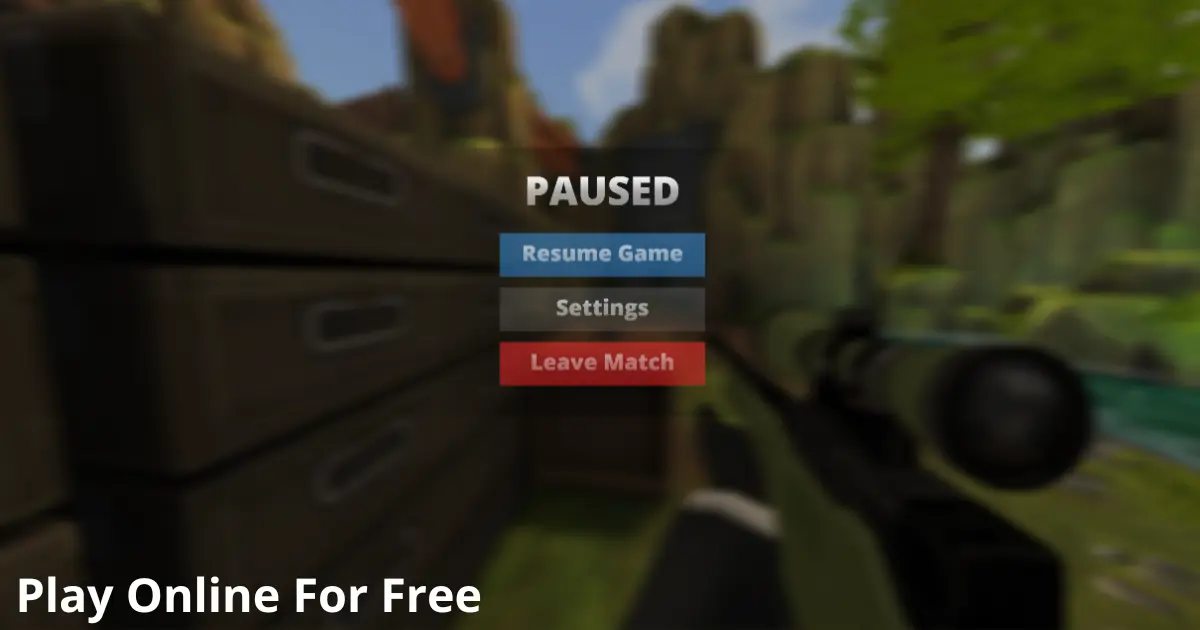
Ready to jump straight into a fast, stylish browser FPS? Play Deadshot.io online for free and dive into quick matches where precision matters, movement feels snappy, and every headshot is a thrill. Deadshot.io is an instant-play shooter you can launch in a tab, warm up your aim with and enjoy without downloads. Pick a class, learn the maps, and chase the top of the leaderboard. Your match loads inside the game window below, so hit play and lock in your crosshair.
What is Deadshot.io?
Deadshot.io is a lean, competitive first-person shooter that runs directly in your browser. Its design focuses on tight gunplay, readable maps, fair hit registration and low friction from menu to match. The developers release balance tweaks and quality-of-life updates based on player feedback, and the game is built to run smoothly on everyday devices. Expect fast rounds, clean visuals for clarity in fights, and a progression path that rewards consistent aim and smart positioning.
Deadshot.io Gameplay
Deadshot.io is all about quick decision-making and crisp mechanics. Choose a loadout, spawn, and fight across compact arenas designed for flow. Movement is responsive with strafe control and jump timing that lets you peek, jiggle, and re-engage safely. Weapons have distinct recoil and damage profiles, so you will learn when to burst, when to spray, and when to hold your shot. Matches are short, with modes like Free For All and Team Deathmatch encouraging aggressive plays, fast resets, and lots of action. Earn XP, unlock cosmetics, and refine your style.
Platform
You can play this game directly in your web browser, whether you’re using a desktop, laptop, tablet, or mobile device.
How to Play Deadshot.io?
Start by launching the game in the embedded iframe and selecting your region for the best ping. Pick a mode and a loadout that suits your playstyle. On your first rounds, focus on map routes: learn two or three reliable paths with good cover, ammo spawns, and sight lines. Keep your crosshair at head height, pre-aim common corners, and use sound cues to predict enemy movement.
Positioning wins fights. Take the high ground when possible and avoid standing in the open. If you get tagged, break line of sight immediately, heal if the mode allows, and re-peek from a new angle. Do not chase every duel. Sometimes holding a head-glitch or anchoring an entry is the smart play.
Economy is simple: perform well to earn XP and cosmetics. Between rounds, adjust your sensitivity, FOV, and graphics settings. Small FOV increases help awareness but test what keeps your aim steady. If your FPS dips, lower shadows and post-processing first.
Controls
Desktop: WASD to move, Space to jump, Shift to walk/sprint (mode dependent), Ctrl to crouch, Mouse to aim, Left Click to fire, Right Click to aim down sights (if available), R to reload, Number keys to switch weapons.
Mobile/Tablet: Use the on-screen joystick to move and tap controls to aim and shoot. We recommend a lightweight HUD and high sensitivity, then fine-tune to comfort.
Tips and Tricks for Deadshot.io
- Learn Head Heights: Keep your crosshair at head level while moving so your first bullet is lethal.
- Practise Prefiring: Pre-aim and begin firing as you swing into common angles to catch opponents off guard.
- Jiggle and Shoulder Peek: Quick left-right strafes bait shots and reveal positions without full exposure.
- Sound Discipline: Footsteps, reloads, and jumps give everything away. Walk when flanking and punish noisy enemies.
- Grenade Value: If your mode offers utility, clear tight corners or force enemies out of cover before swinging.
- Reset Bad Duels: If you whiff, cancel with a crouch-strafe, break line of sight, and re-peek fresh.
- Sensitivity Dial-in: Track long strafes on a wall in the practice area. If you overshoot, lower sens slightly.
- Angle Advantage: Hold off-angles that are unexpected but still allow an easy fall-back route.
- Health Management: After a win, reposition immediately. Do not loot or gloat in the same spot.
- Team Synergy: Call simple plans like “double swing three-two-one” to trade efficiently and keep numbers.
Features of Deadshot.io
- Instant-play browser FPS with quick matchmaking and low loading times.
- Responsive movement and clean, readable maps for competitive clarity.
- Distinct weapons with controlled recoil patterns and meaningful time-to-kill.
- Multiple modes including Free For All and Team Deathmatch.
- Performance options for smooth play on mid-range devices.
- Cosmetic progression that rewards time played and skill milestones.
- Controller-friendly basics and mobile HUD for on-the-go sessions.
- Regular balance patches shaped by community feedback.
Deadshot.io online
The game runs directly in Chrome, Firefox, Safari, Edge and Opera. No launcher, no sign-up required to warm up. Small asset sizes and sensible defaults mean you can go from click to duel in seconds. If your connection is unstable, try a nearer region or wired Ethernet for the most consistent hit registration.
Deadshot.io for Free
Deadshot.io is free to play in your browser. There are no mandatory purchases to compete. Cosmetics are optional and do not affect weapon stats. Every game on our site is free, so you can practise your aim, learn routes, and invite friends without barriers.
Can you play Deadshot.io unblocked?
Yes. If your school or workplace network blocks games, please respect its rules. No extra downloads are required.
Deadshot.io unblocked 76
You do not need to search for unblocked 76, 66, or iOS. The game runs on modern browsers on desktop and mobile. Just open the page and play.
Deadshot.io github
Copies on GitHub are unofficial and often outdated, so the official version is the reliable choice. You will not need that. The embedded version loads quickly and offers the same core experience on desktop and mobile.
Deadshot.io download
Prefer an app-like experience? Here are your options:
Android: If an official app is available, get it on Google Play. If not, you can add this page to your home screen for a near-native feel.
iOS: Search the Apple App Store. If there is no app, add this website to your Home Screen for a full-screen experience.
APK: Only install APKs from trusted sources. We recommend browser play for safety and updates.
PC: If a PC client appears on platforms like Steam in the future, follow the store page instructions. Until then, the browser version is the most up-to-date build.
Deadshot.io extension
You can create a quick-launch shortcut by installing a site-specific browser shortcut or adding the page as an app in Chrome. This lets you pin Deadshot.io to your dock or taskbar and even play in a minimal window. For offline play, use Practice mode if offered, otherwise the game requires an internet connection for matchmaking.
FAQs About Deadshot.io
How Do I Fix Lag Or High Ping?
Choose the closest region in the server list and close background downloads. Use Ethernet or sit nearer to your router. Lower shadows and post-processing first if FPS dips.
How Do Headshots Work In Deadshot.io?
Headshots deal increased damage. Keep your crosshair at head height and burst fire to control recoil for consistent headshot chains.
How Do I Improve My Aim Quickly?
Warm up with tracking and flick drills in practice, then play short sessions focusing on crosshair placement and movement. Adjust sensitivity in small steps only.
How Do I Win More Gunfights?
Take better positions. Pre-aim likely angles, jiggle to bait shots, and re-peek on timing. Trade with teammates rather than dry swinging alone.
How Do I Change My Sensitivity And FOV?
Open Settings in the main menu. Increase FOV slightly for awareness if your FPS remains stable. Save one profile for desktop and another for laptop.
How Can I Reduce Input Delay?
Play in a native browser window, disable unnecessary overlays, and lock your display to its native refresh rate. Wired peripherals can help consistency.
How Do Parties And Friend Invites Work?
Create a party from the lobby and share the code with friends. Parties queue together and join the same match automatically.
How Do I Report Cheating Or Toxic Behaviour?
Use the in-game report option at the end of a match. Cheating reports are handled by the game’s developers through the in-game reporting tools.
How Do I Customise My Crosshair?
Open Settings, choose a style and thickness that stays visible on all maps, and test it against walls to verify clarity while moving.
How Do I Practise Without Pressure?
Enter a private lobby or a practice mode if available. Focus on crosshair placement, counter-strafing, and recoil control.
Conclusion
Deadshot.io is a fast, fair and fun shooter you can load instantly, master over time and share with friends. What we love most is how small improvements in crosshair placement and timing unlock huge gains. It rewards practice without punishing you with long queues or heavy downloads.
If you have feedback about this page, our Contact Us page is the best place to send it. Its developers keep refining balance, visibility and performance to keep fights crisp and satisfying. Now it is your turn. Hit play in the iframe, pick your loadout, and claim those headshots.